
Smooth cross-border live streaming without buffering or account bans starts with choosing the right network.
"I've been streaming on TikTok for a week, and I haven't gotten any traffic..."
"Every live stream is like a PowerPoint presentation, and I'm losing all my followers..."
"My account with a million followers got banned, all my investment was wasted..."
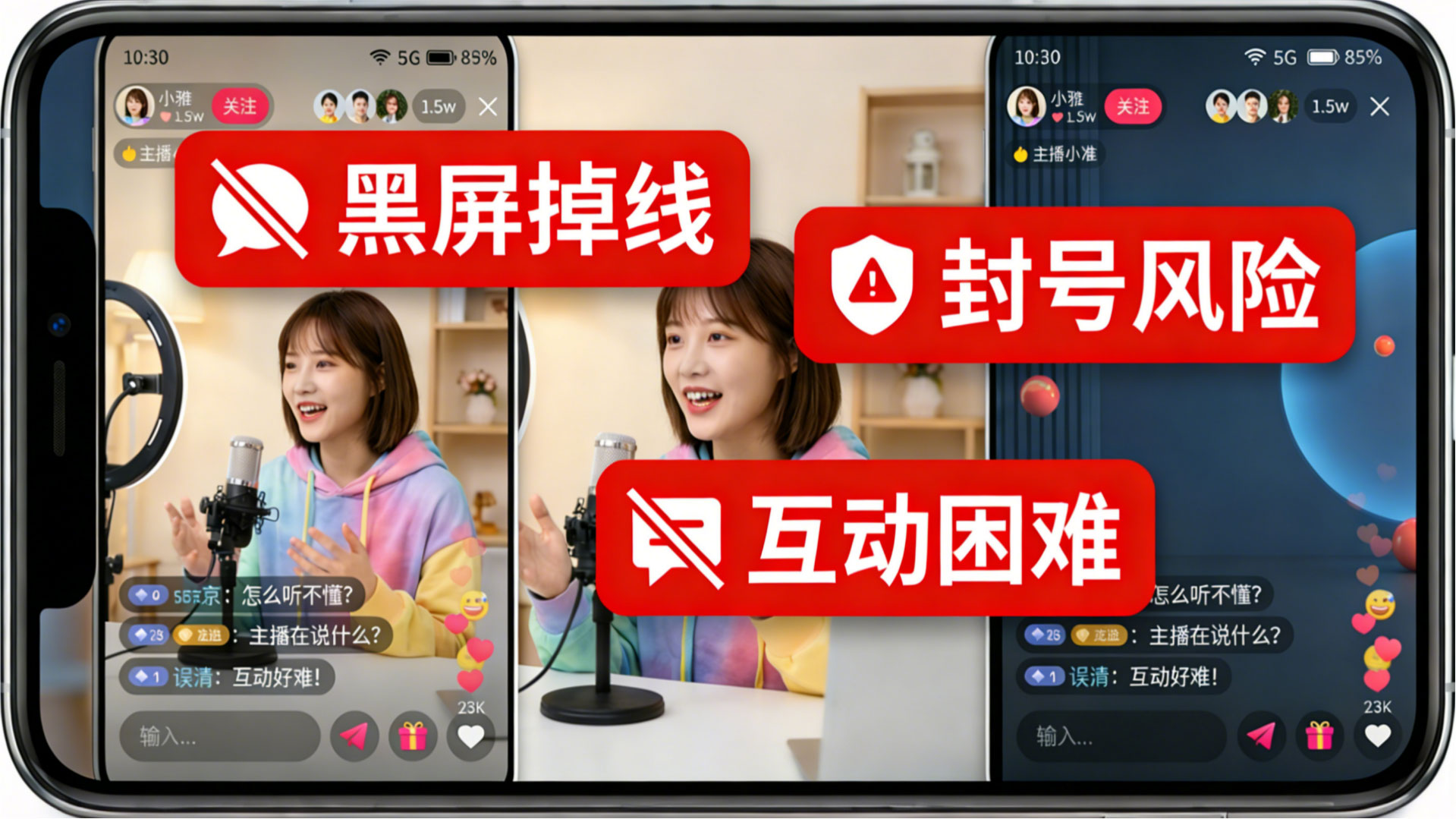
Is doing cross-border live streaming really that difficult?
Talk2all tells you: It's not difficult at all!
Whether your account is being throttled or banned,
or your live stream suddenly freezes or disconnects,
the key issue is often not the content quality,
but rather—the live streaming network.
What are some common network issues in cross-border live streaming?
·Signal issues: Intermittent signal strength, choppy video, black screens, or buffering, causing viewers to leave immediately and resulting in lost followers.
·IP issues: Frequent IP address switching leads to the account being flagged as a "non-real user" by the platform, resulting in anything from traffic restrictions to account suspension.
Why do these problems occur so frequently? The root cause is that ordinary home networks and mobile hotspots cannot meet the stringent stability and low latency requirements of cross-border live streaming.

Talk2all: Professional Network, Worry-Free Live Streaming
1.Two Options: Adaptable to All Live Streaming Scenarios
As the only service provider in the industry offering a dual solution of "outdoor mobile + indoor dedicated line," Talk2all ensures smooth broadcasting whether it's outdoor live streaming or a fixed studio.
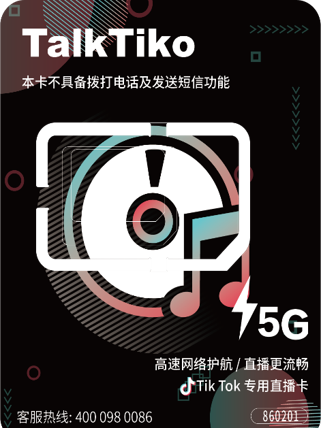
·TalkTiko Cross-Border Live Streaming Card: Designed specifically for outdoor mobile scenarios. Utilizing a dedicated IoT SIM card and a portable WiFi device, it automatically selects the best local base station signal. With a built-in battery, it completely eliminates the constraints of network cables, maintaining smooth video even while on the move.
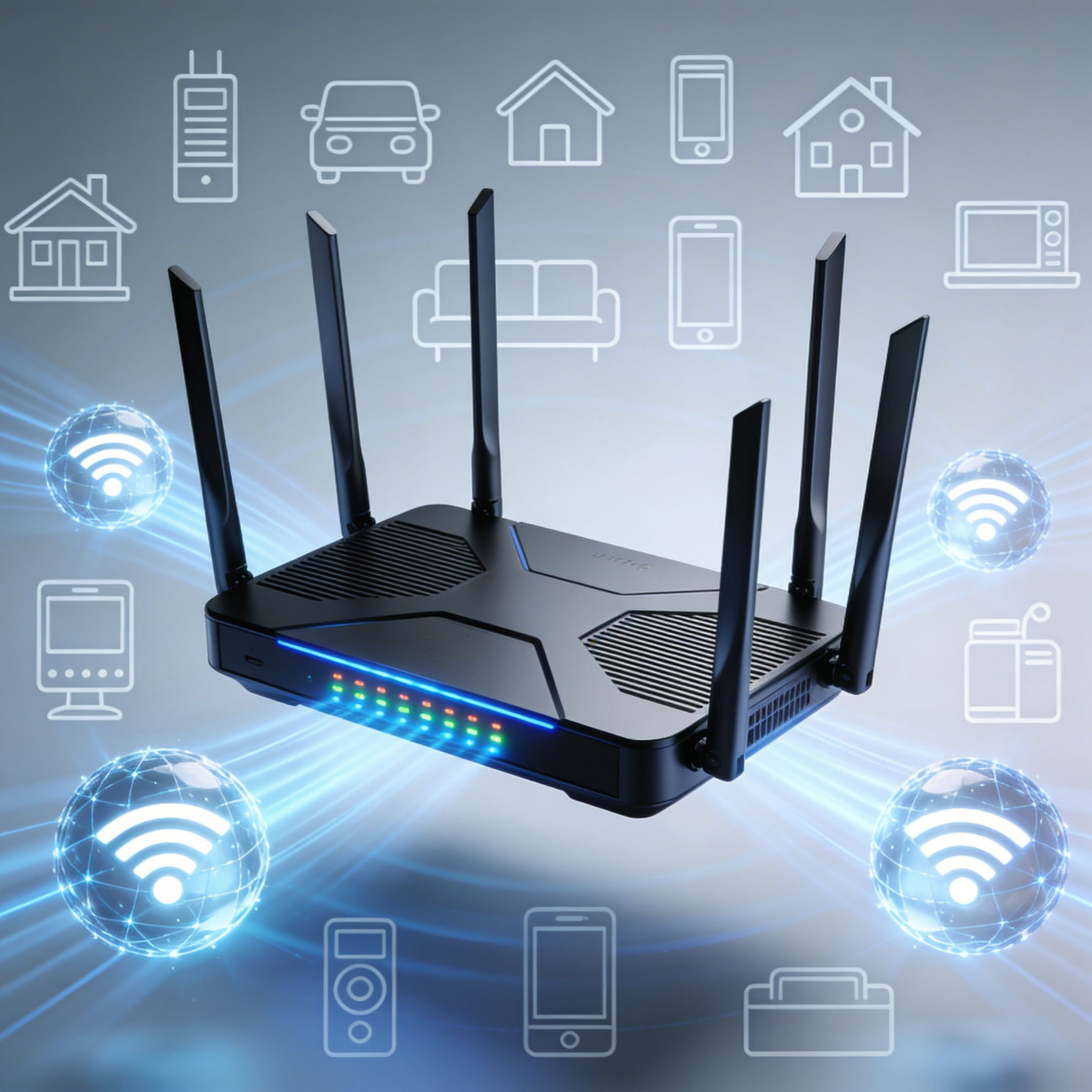
• SD-WAN Dedicated Line: Designed for indoor fixed scenarios. Connects directly to the overseas network via a physical network cable to the local router. Utilizes wired fiber optic transmission, ensuring extreme stability, strong anti-interference capabilities, ultra-low latency, and completely eliminating signal dead zones. Simultaneously supports multiple devices connecting, meeting the needs of multiple accounts broadcasting at the same time.
2.Native IP: Ensuring Account Security
IP quality directly determines account weight. Whether it's the TalkTiko live streaming card or the SD-WAN dedicated line, both use native residential dual-ISP fixed IPs. The address is fixed and doesn't change, completely simulating a real overseas home broadband environment.
In this way, the platform will recognize you as a real local user, ensuring account security, higher content recommendation weight, and making it more suitable for long-term stable operation.

Frequently Asked Questions
Q: Should I choose the TalkTiko live streaming card or the SD-WAN dedicated line?
A: It depends on the scenario. For outdoor live streaming and exhibition/store visits, choose the TalkTiko live streaming card, which can be used flexibly with a portable router; for indoor areas with poor signal (such as basements or soundproof rooms), the SD-WAN dedicated line is essential, as the wired connection completely eliminates dead zones and ensures uninterrupted live streaming.
Q: I'm worried about the performance; can I try it for free first?
A: We offer a 2-7 day free trial, and you can change your IP address once for free during the first trial. During the trial period, we will assist you in resolving any problems you encounter. You only pay if you are satisfied with the results.
Q: How do I install the hardware? How do I operate it?
A: Truly plug-and-play with zero learning curve. The SD-WAN box only needs to be plugged into an internet cable and powered on; the TalkTiko live streaming card only needs to be plugged into the matching router to broadcast WiFi for your phone to connect to. No coding or setup is required; even beginners can easily set it up in 1 minute.
Q: How do I check my usage status and renew my subscription?
A: Follow the "Talk2all" WeChat official account to check your remaining days and data usage at any time. It also supports online renewal, making it very convenient.
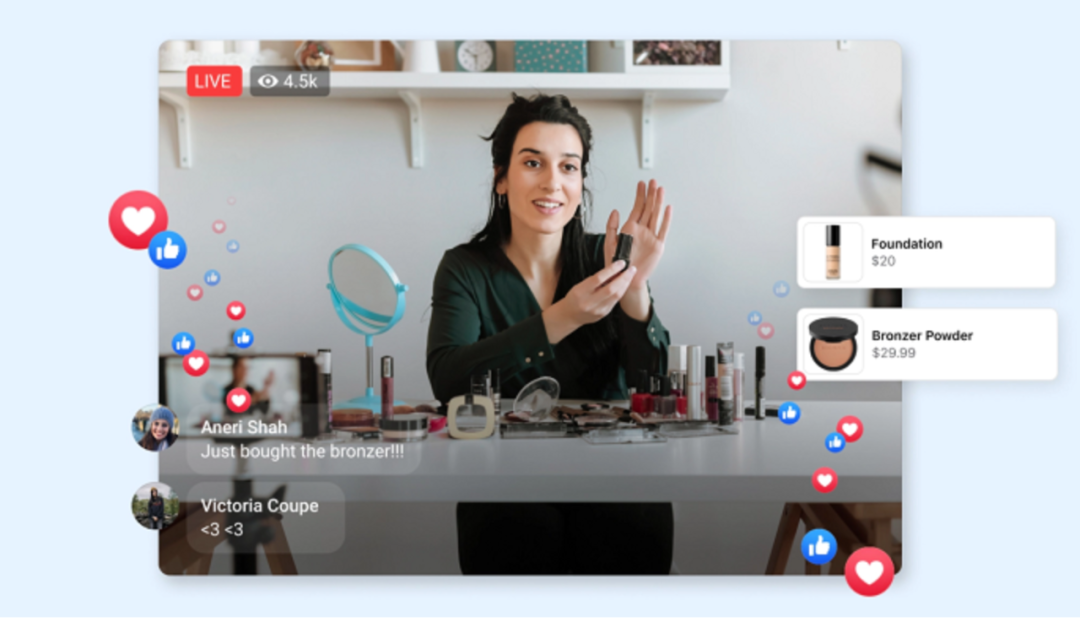
Don't let network issues ruin your live stream experience anymore.
Choose Talk2all for a stable and smooth broadcast every time,
and for the security of every account!